PDF Imposition Scripts
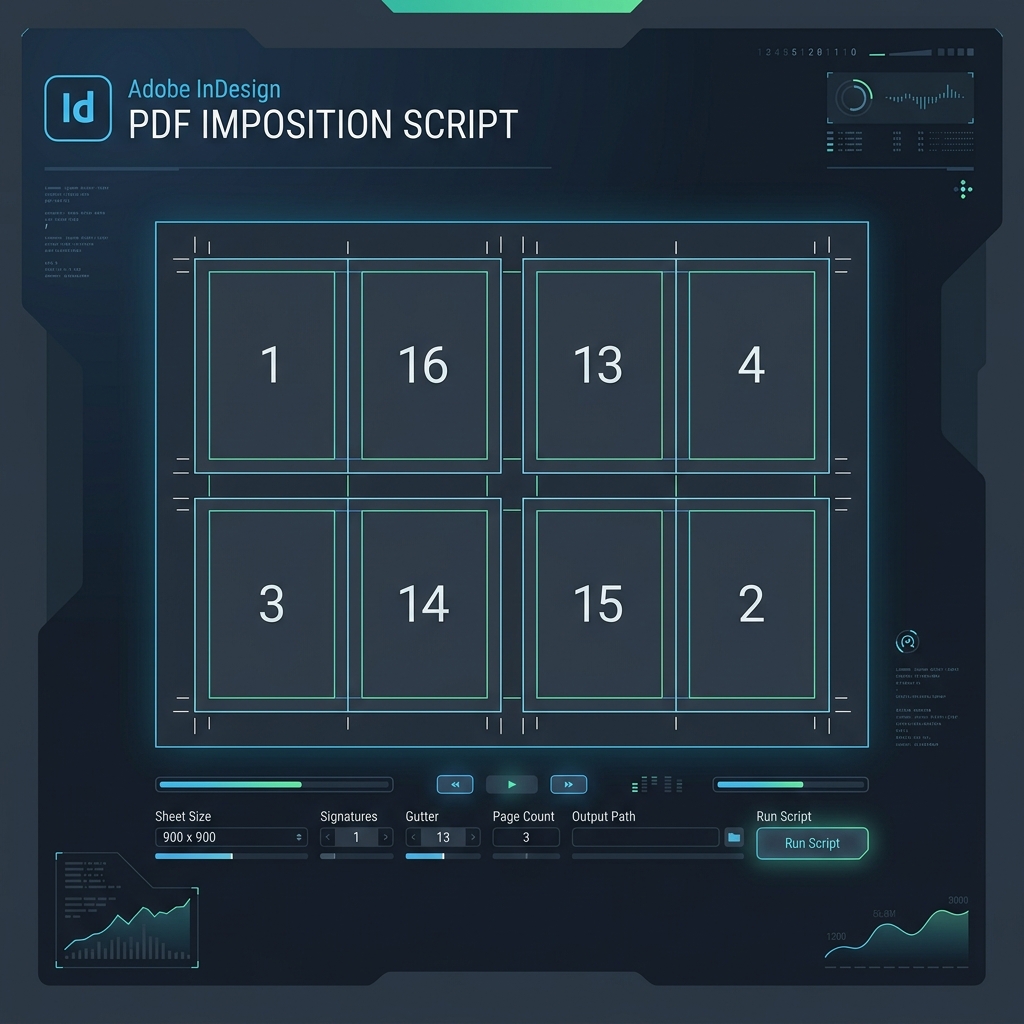
A suite of highly optimized scripts for digital press layout, pagination, and imposition. Automates the arrangement of PDF pages onto a press sheet directly in Adobe InDesign.
Key Features
PDF_Imposition_folder_v7.jsx)
Directly impose multiple single-page PDF files from a folder. Features in-dialog folder selection, automatic persistent memory of your last working folder, one-click Rescan, and natural alphanumeric file ordering (e.g. 1.pdf, 2.pdf, 10.pdf).
Shrinks full-bleed artwork proportionally into a safe inner margin (e.g. 5 mm / 0.2 in) while preserving outer crop and bleed bounds. Features live calculation showing clean margin after cutting (Margin - Bleed = Clean margin).
Independent horizontal and vertical gap spacing between adjacent items in the grid, complete with a quick 0 / 0 reset button for step-and-repeat layouts.
Smart mark placement generates single crop marks for shared borders and dual-tick marks for gap gutters with customizable length, thickness, and bleed offset.
Configurable startup defaults using UNIT_DEFAULT = "mm" or "in". Easily switch interface inputs and presets.
Sheets: 320x470 (SRA3 V), 230x320, A4 V, A4 H
Sheets: 13x19 (Tabloid Ex), 12x18, 11x17, Letter
The automatic version calculates PDF page counts instantly using a highly efficient binary search engine, reducing InDesign verification checks significantly compared to standard linear loops.
| PDF Pages | Standard Linear Search | Binary Search (Auto v7.0) |
|---|---|---|
| 16 | 17 checks | 10 checks |
| 100 | 101 checks | 14 checks |
| 500 | 501 checks | 18 checks |
| 1000 | 1001 checks | 20 checks |
Installation Instructions
- Download the ZIP archive using the download link.
- Unzip the files on your computer. You will get three script versions:
PDF_Imposition_auto_v7.jsx(automatic page count detection)PDF_Imposition_v7.jsx(fast manual page count entry)PDF_Imposition_folder_v7.jsx(batch folder imposition for single-page PDFs)
- Open Adobe InDesign. Open the Scripts Panel by navigating to
Window→Utilities→Scripts. - Right-click on the User folder inside the Scripts Panel and select Reveal in Explorer (Windows) or Reveal in Finder (macOS).
- Copy all
.jsxfiles into the opened folder. - The scripts will now appear in your InDesign Scripts Panel. Double-click any script to launch it!
Get the Script
Download the imposition script package for free. It is fully open-source and free to modify for your personal or commercial production needs.
Download Scripts Archive (.zip)